
A dedicated server can become slow because its workload, software or storage behaviour changes. Age alone does not identify the cause. Before buying more CPU or moving hosts, find out whether the delay comes from the server, database, application, network or the visitor’s browser.
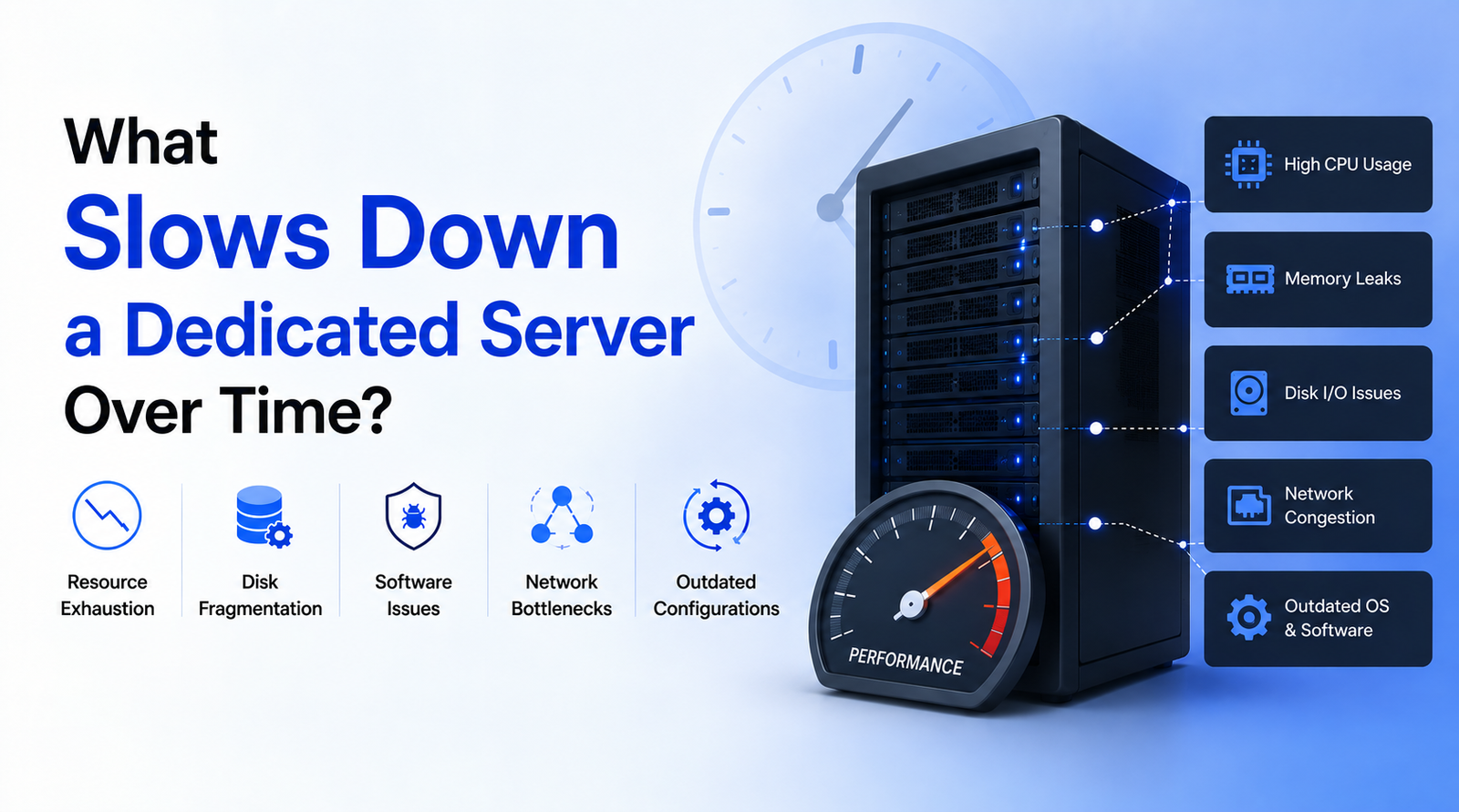
This dedicated server performance guide is for business owners and WordPress teams investigating a gradual slowdown. It explains what evidence to collect, which maintenance tasks deserve attention and when to involve the hosting administrator.
What slows down a dedicated server over time?
Common causes include increased traffic, expensive database queries, overlapping background jobs, storage pressure, memory exhaustion and application changes. Several can occur together. An image-heavy page can also feel slow even when the server is responding normally, so separate server response time from complete page loading.
Match the slowdown to a measurable symptom
| Symptom | Evidence to review | Useful next step |
|---|---|---|
| Slow responses during busy periods | CPU use, request rate and application worker queues at the same time | Identify expensive requests and capacity limits |
| Slowdowns during backups | Job schedule, disk latency and database activity | Reschedule overlapping tasks and review backup settings |
| Frequent application restarts | Memory use, swap activity and termination logs | Investigate leaks or unsuitable process limits |
| Only search or product filters are slow | Slow-query logs and the affected application route | Review query design and indexes with a developer |
| Fast server response but slow visual loading | Browser network waterfall and large frontend assets | Optimise images, scripts and rendering |
Dedicated server maintenance: investigate the main causes
Storage capacity, inodes and disk I/O
Check free storage, inode availability and read/write latency. Large logs, old exports and local backup archives can consume space. There is no universal percentage at which every server suddenly becomes slow: the storage device and workload matter. Identify what is growing before removing files.
Keep a retention policy for logs and backups. Confirm that a usable backup exists elsewhere before clearing old local copies. Do not delete application data or database files to free space.
Memory pressure and excessive worker processes
More application workers do not always produce faster responses. If each worker uses substantial memory, increasing concurrency can exhaust RAM and increase swapping. Ask the administrator to compare memory demand with actual request concurrency before changing limits.
Database queries and background jobs
A growing database can expose inefficient queries, but database size alone is not a diagnosis. Check which queries are slow, how often they run and whether they coincide with scheduled tasks. An index change should be tested against the workload; deleting historical records indiscriminately is not an optimisation strategy.
WordPress plugins, themes and external requests
Compare the timing of the slowdown with recent releases, plugin changes or new integrations. An external API request in a page-generation path can delay a response even when CPU use looks normal. Test suspected components on staging and keep a rollback path. See the WordPress optimisation handbook for platform-specific guidance.
Traffic spikes and automated requests
Review frequently requested paths, response codes and request rates. Legitimate customers, crawlers and abusive traffic should not all receive the same treatment. Apply caching or targeted controls based on evidence, and verify that login, checkout and useful search-engine crawling still work.
A safe server performance investigation sequence
- Define the symptom: record the affected URLs, time window and whether logged-in users are affected.
- Collect a baseline: compare server response time, error rate, traffic and resource use with a normal period.
- Correlate events: note deployments, backups, campaigns and scheduled tasks.
- Test one change: use staging where possible and retain the previous configuration.
- Verify the outcome: repeat the same request or workflow under comparable conditions.
- Monitor afterwards: check that checkout, forms and scheduled jobs still complete.
A restart can temporarily relieve some symptoms, but it does not explain why they occurred. Capture relevant evidence first when operationally safe. If the site is unavailable, prioritise service recovery with the administrator, then conduct a follow-up investigation.
When should you upgrade dedicated server resources?
Consider an upgrade when measurements show sustained resource pressure after avoidable application inefficiencies have been addressed. Specify the limiting resource: CPU, RAM, storage latency, network throughput or application concurrency. Buying more of a different resource may leave the same bottleneck in place.
For a WordPress business website, review our website speed optimisation guide and website maintenance guide. If a hosting move is necessary, use the migration comparison and checklist before changing DNS.
What to send when requesting performance support
Share the affected pages, approximate start time, recent changes, hosting plan and a short description of the failed or slow workflow. Send access through the provider’s approved secure process; do not include passwords in a public enquiry. VYLINO can discuss the website and WordPress side of the investigation at contact@vylino.com.
Frequently asked questions
Does a dedicated server automatically get slower with age?
Not necessarily. Changes in workload, application behaviour, software and storage conditions are more useful starting points. Compare measurements over time instead of attributing every delay to hardware age.
Will restarting the server fix a slow website?
A restart may temporarily clear a symptom, but recurring slowdowns need diagnosis. Review logs and resource use, identify the cause and arrange a maintenance window where necessary.
Is a slow WordPress website always a hosting problem?
No. Heavy images, scripts, inefficient plugins, database queries or third-party requests can cause delays. Separate backend response time from browser rendering before deciding to replace hosting.
Should I delete database records to improve performance?
Do not delete records without understanding their purpose, retention requirements and application dependencies. Back up first and ask a developer to review slow queries and safe cleanup options.
What should a server maintenance plan include?
Define monitoring, updates, backup verification, storage and log review, incident response and responsibility for application-level problems. Specify the work included rather than relying on the word managed.
When is more RAM the right upgrade?
More RAM is relevant when measurements show memory pressure or swapping associated with the slowdown. It will not automatically correct slow external APIs, inefficient SQL or large frontend assets.