 Skip to content

Updated October 2026. “Website development services” is an umbrella term. A simple business website, a WordPress content site, an ecommerce store, a customer portal and a custom web application can all require very different development work.
The easiest way to choose correctly is to start with the type of digital product you need, then decide the platform, integrations, level of custom development and post-launch support. This guide explains the main types of website development services, what each is best for, what it usually includes, and where businesses often overbuy or under-scope.
This article is intentionally a comparison guide. Vylino’s dedicated website development service page handles commercial enquiries, while this guide helps you decide what kind of development you actually need.
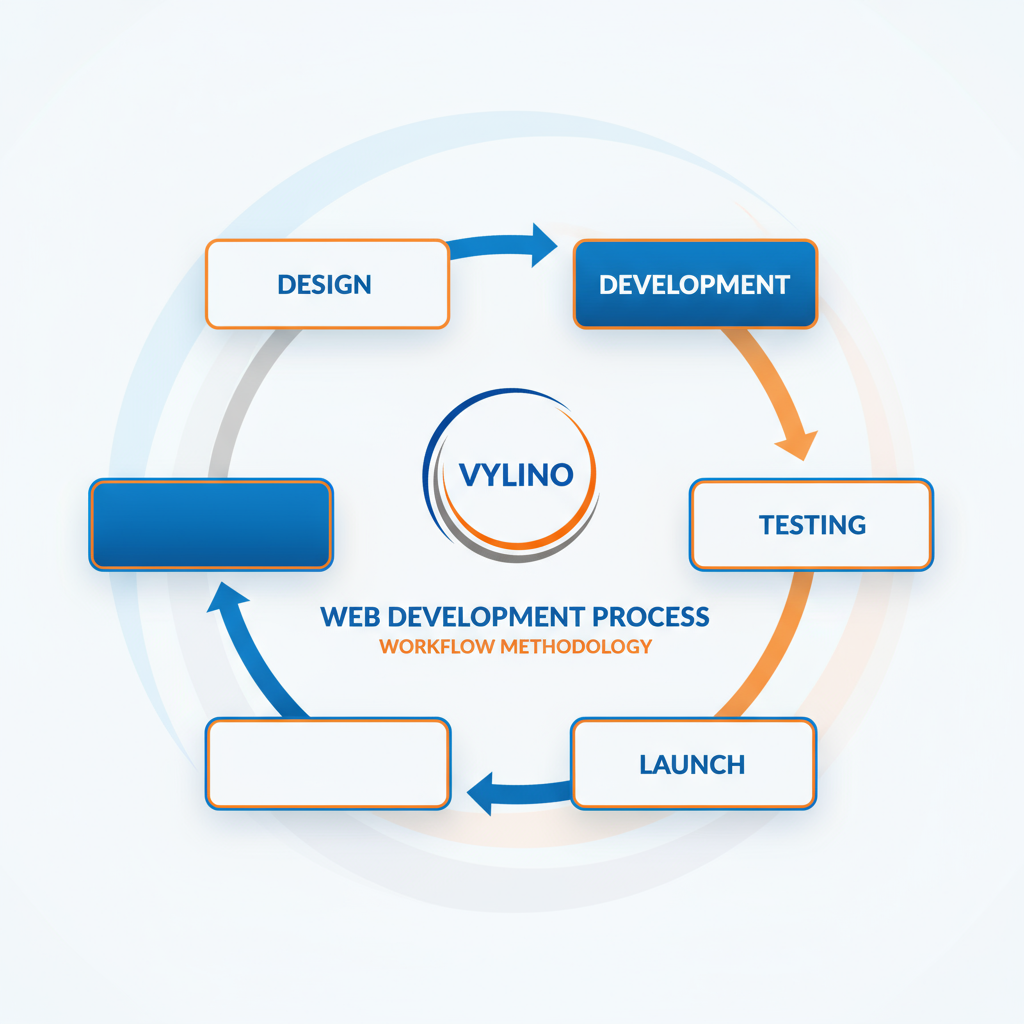
What Are Website Development Services?
Website development services cover the technical work needed to build, configure, integrate, test, launch and maintain websites or browser-based applications.
Depending on the project, development may involve:
- Front-end implementation.
- Back-end application logic.
- Content management systems.
- Databases.
- User accounts and authentication.
- Payments and ecommerce.
- APIs and third-party integrations.
- Search and filtering.
- Performance optimisation.
- Security controls.
- Testing and quality assurance.
- Deployment, monitoring and maintenance.
Web design and development overlap, but they are not the same. Design determines structure, interaction and visual presentation; development turns those decisions into a functioning website or application. Vylino’s professional web design services guide explains that distinction in more detail.
Two Different Ways People Use the Term “Types of Web Development”
Search results often mix two taxonomies. Understanding the difference makes vendor conversations much clearer.
| Buyer-facing service type | Technical discipline |
|---|---|
| Business website | Front-end development |
| WordPress/CMS website | Back-end development |
| Ecommerce store | Full-stack development |
| Web application or portal | Database development |
| Headless website | API/integration development |
A business usually needs to choose the service outcome first. The development team then decides which technical disciplines are required to deliver it.
10 Main Types of Website Development Services
1. Business and Corporate Website Development
Best for: service businesses, consultants, professional firms, local businesses, manufacturers, B2B companies and organisations that primarily need credibility and lead generation.
A typical business website may include:
- Home, About and Contact pages.
- Service or solution pages.
- Industry or location pages.
- Case studies, testimonials and portfolio content.
- Lead forms, calls or WhatsApp actions.
- Blog/resource publishing.
- Analytics and search-engine foundations.
This is usually simpler than ecommerce or a custom application because it does not need complex transaction logic or user workflows.
2. WordPress and CMS Development
Best for: businesses that need frequent content updates, blogs, service sites, editorial publishing or non-technical administration.
CMS development can involve theme configuration, custom templates, reusable blocks, custom fields, roles, forms, integrations, performance work and editorial workflow.
WordPress is one option within this category, not a separate definition of web development. For projects specifically considering WordPress, see Vylino’s WordPress development services and the detailed guide on when custom WordPress development is worth it.
3. Ecommerce Website Development
Best for: businesses selling physical products, digital products, subscriptions or other transactions online.
Ecommerce adds operational requirements that an ordinary business site may not have:
- Product catalogue and variations.
- Cart and checkout.
- Payment gateways.
- Tax and invoicing logic.
- Shipping or delivery rules.
- Inventory.
- Order management.
- Customer accounts.
- Discounts and coupons.
- Returns/refunds workflows.
- Analytics and conversion tracking.
Platform choice matters because a WooCommerce, Shopify or custom commerce project can have very different ownership, maintenance and integration requirements. Vylino has separate ecommerce website development services and Shopify development services for this commercial intent.
4. Custom Web Application Development
Best for: workflows that cannot be handled effectively by a standard website or off-the-shelf CMS.
Examples include:
- Customer or vendor portals.
- Booking and scheduling systems.
- Dashboards.
- SaaS products.
- Internal business tools.
- Multi-role platforms.
- Custom marketplaces.
- Workflow automation systems.
These projects normally require more requirements analysis, database design, authentication, application logic, testing and ongoing engineering than a standard brochure website.
For this category, Vylino maintains a dedicated web application development page.
5. Landing Page and Microsite Development
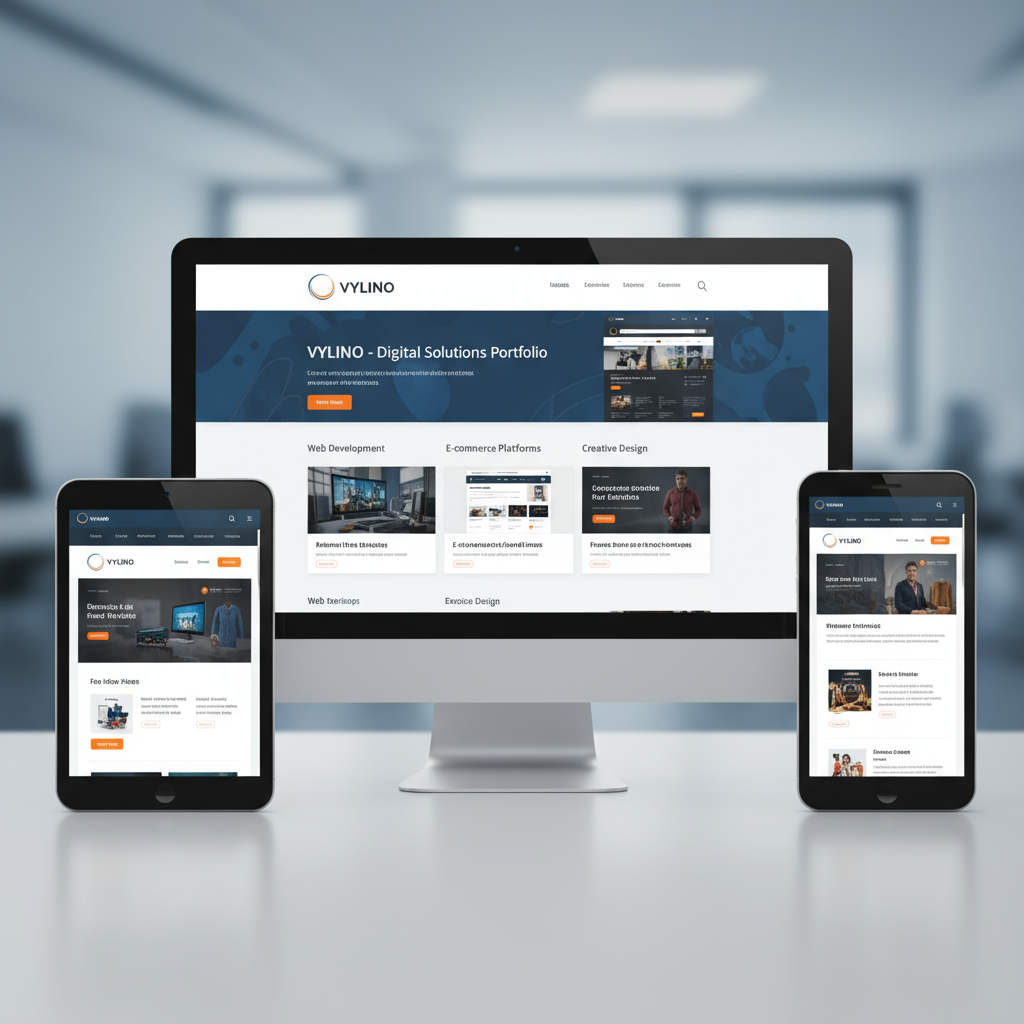
Best for: paid campaigns, launches, events, lead magnets, experiments or a narrowly focused offer.
A landing page is intentionally smaller in scope than a full business website. The focus is usually:
- One audience.
- One offer.
- One conversion goal.
- Fast load time.
- Clear tracking.
- Minimal navigation distraction.
Do not pay for a full website architecture when the actual requirement is a campaign-specific page. Vylino separates this into landing page design and development.
6. Custom-Coded Website Development
Best for: businesses that need unusual presentation, advanced interactions, specialised integrations or tighter control than an off-the-shelf theme/plugin setup can provide.
“Custom” should describe a real requirement—not simply a premium label. Custom development is justified when standard tools create unacceptable limitations, technical debt or operational workarounds.
A custom-coded site may still use a CMS for content. Custom development and CMS development are not mutually exclusive.
7. Headless CMS Development
Best for: organisations that need one content source to publish across multiple front ends, or teams that deliberately want the content-management layer separated from the presentation layer.
In a headless architecture, a CMS manages content and an API delivers that content to one or more websites, applications or other interfaces.
Potential advantages include flexible front-end technology and content reuse. Trade-offs include more engineering complexity, preview/editorial considerations, hosting architecture and integration work. A traditional CMS is often simpler for ordinary business websites.
8. API and Integration Development
Best for: websites that need to exchange information with external services.
Common integrations include:
- CRM systems.
- ERP or inventory systems.
- Payment gateways.
- Shipping providers.
- Booking software.
- Email and marketing platforms.
- Accounting systems.
- Maps and location services.
- Authentication providers.
Integrations should be identified before quoting because they often introduce third-party dependencies, API limits, data-mapping requirements, authentication and testing work. Current industry service guides similarly treat API/integration work as a separate scope rather than a minor add-on.
9. Website Redesign, Rebuild and Migration
Best for: businesses that already have a website but need a new platform, better UX, modern architecture, improved maintainability or a major visual/technical overhaul.
A rebuild is different from a new project because existing assets must be protected:
- URLs and redirects.
- Indexed pages.
- Analytics/history.
- Content.
- User accounts or orders.
- Forms and integrations.
- Existing SEO signals.
Migration planning is especially important when changing domain, CMS, URL structure or ecommerce platform. Vylino’s website redesign services page covers that commercial requirement.
10. Website Maintenance, Performance and Support
Best for: websites that are already live but need ongoing technical care.
Typical maintenance may include:
- CMS/plugin/platform updates.
- Backups.
- Security patching.
- Uptime monitoring.
- Performance checks.
- Bug fixes.
- Compatibility testing.
- Small technical changes.
Maintenance should not be treated as an afterthought. The technology chosen during the build affects how much ongoing work is required later.
Front-End, Back-End and Full-Stack Development Explained
These terms describe technical responsibilities rather than the business outcome.
| Discipline | Main responsibility | Typical work |
|---|---|---|
| Front end | What runs in the browser | HTML, CSS, JavaScript, responsive UI, interactions, accessibility |
| Back end | Server-side application behaviour | Business logic, databases, APIs, authentication, permissions |
| Full stack | Both front-end and back-end layers | End-to-end application development |
A WordPress site, ecommerce store or custom portal may require one, two or all three disciplines depending on complexity.
How to Choose the Right Website Development Approach
| If your main need is… | Start by evaluating… |
|---|---|
| Credibility and enquiries | Business/CMS website |
| Frequent content publishing | WordPress or another CMS |
| Selling products online | Ecommerce platform |
| One campaign or offer | Landing page |
| Customer login/workflow/dashboard | Custom web application |
| Content across many channels | Headless CMS |
| Existing site has structural problems | Redesign/rebuild/migration |
| Existing site is healthy but needs care | Maintenance/performance support |
The correct answer is often a combination. For example, an ecommerce project may use WordPress + WooCommerce, custom API integration, responsive front-end work and ongoing maintenance.
What Should Be Included in a Website Development Scope?
Discovery and Requirements
- Business objectives.
- Audience and user roles.
- Required pages and workflows.
- Integrations.
- Content responsibilities.
- Hosting/infrastructure constraints.
- Security and compliance requirements.
- Ownership and access.
Architecture and Technical Planning
- Platform/CMS selection.
- Data structure.
- URL and navigation structure.
- Integration plan.
- User roles and permissions.
- Performance approach.
Development
- Front-end implementation.
- CMS/back-end configuration.
- Custom functionality.
- Forms and integrations.
- Content or data migration where scoped.
Quality Assurance
- Functional testing.
- Responsive/device testing.
- Browser compatibility.
- Form and transaction testing.
- Accessibility checks appropriate to scope.
- Performance review.
- Security review appropriate to risk.
Launch and Handover
- Deployment.
- DNS/domain coordination where required.
- Analytics/tracking verification.
- Redirect verification for migrations.
- Admin access and documentation.
- Backup/recovery setup.
- Training.
If your requirements are still unclear, Vylino’s website requirements checklist helps define the project before requesting quotes.
Platform vs Development Type: Do Not Confuse the Two
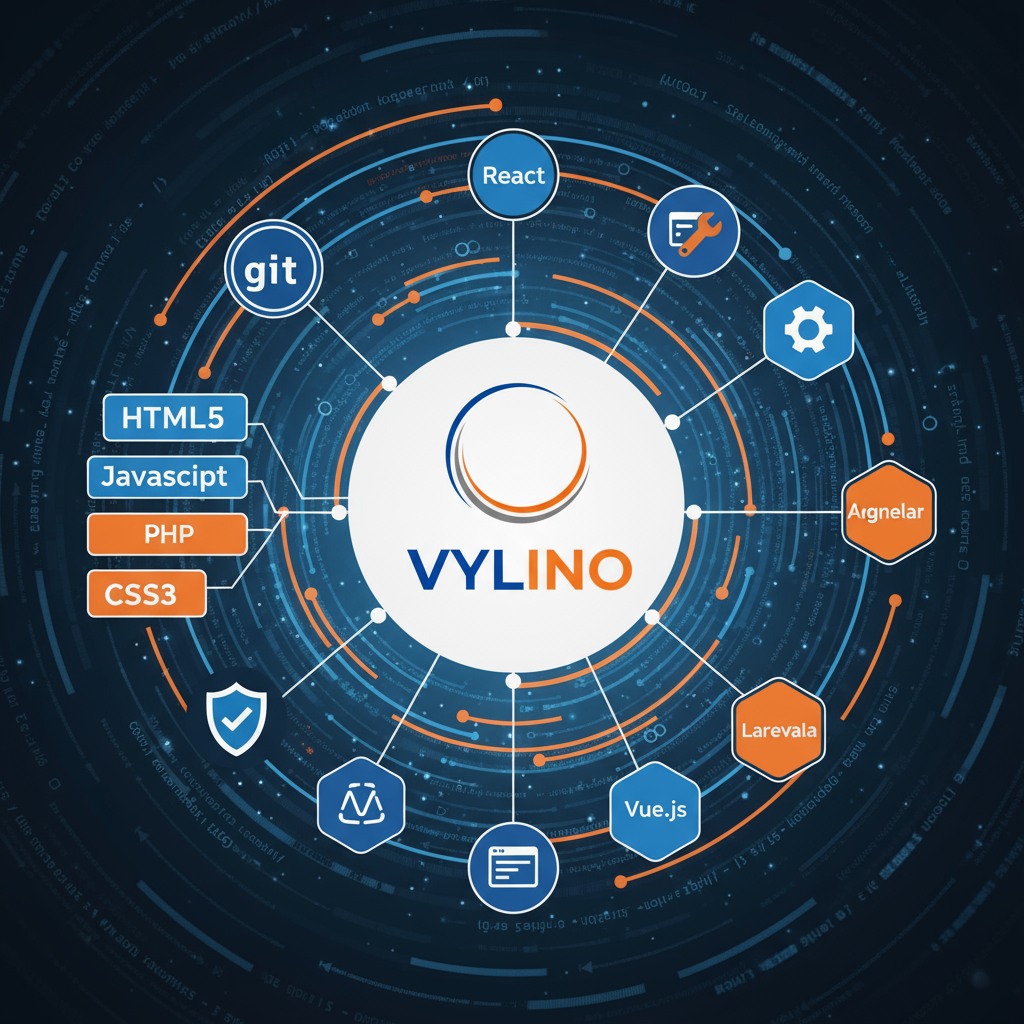
A platform is the technology used to implement the project. It is not always the service type.
| Requirement | Possible platforms/approaches |
|---|---|
| Business website | WordPress, another CMS, static/custom build |
| Ecommerce store | WooCommerce, Shopify, custom commerce |
| Content-heavy site | WordPress, traditional CMS, headless CMS |
| Web application | Custom framework/application stack |
| Landing page | CMS, page builder, custom/static implementation |
Choose the platform after understanding content editing, functionality, integrations, ownership, maintenance skills and growth requirements—not because a tool is fashionable.
Website Builders vs CMS vs Custom Development
| Approach | Strength | Trade-off |
|---|---|---|
| Website builder | Fast setup for standard requirements | Platform constraints can appear as needs grow |
| CMS | Strong balance of editing and extensibility | Requires responsible theme/plugin/module maintenance |
| Custom development | Can fit specialised workflows closely | Higher engineering and maintenance responsibility |
There is no universal winner. A five-page local business site and a multi-role SaaS platform should not be evaluated with the same architecture.
Security: What Development Providers Should Account For
Security requirements depend on what the site stores and does. A brochure website and a platform handling accounts, payments or sensitive data have different risk profiles.
At minimum, development teams should think about:
- Supported software and timely updates.
- Secure authentication and permissions.
- Input validation.
- Secrets and credential handling.
- HTTPS.
- Backups and recovery.
- Dependencies and third-party code.
- Logging and monitoring where appropriate.
For application-security risk categories, the OWASP Top 10 is a useful industry reference. It is not a complete security programme, but it provides a practical baseline for discussing common web application risks.
Performance and Core Web Vitals
Development choices affect loading, responsiveness and visual stability. Heavy JavaScript, unoptimised images, third-party scripts, server response time and layout behaviour can all influence real-user performance.
The current Core Web Vitals are LCP, INP and CLS. Google’s Core Web Vitals guidance explains their current thresholds and measurement approach.
For projects where mobile behaviour is the main concern, read Vylino’s responsive web design guide.
How Much Do Website Development Services Cost?
Cost depends far more on scope than on the label “website development.” Important cost drivers include:
- Number of unique templates and content types.
- Custom functionality.
- User roles and accounts.
- Ecommerce complexity.
- API integrations.
- Data migration.
- Content creation/population.
- Performance requirements.
- Accessibility and compliance requirements.
- Testing depth.
- Support and maintenance.
Rather than duplicating changing price ranges in this article, use Vylino’s dedicated website development cost in India guide.
How Long Does Website Development Take?
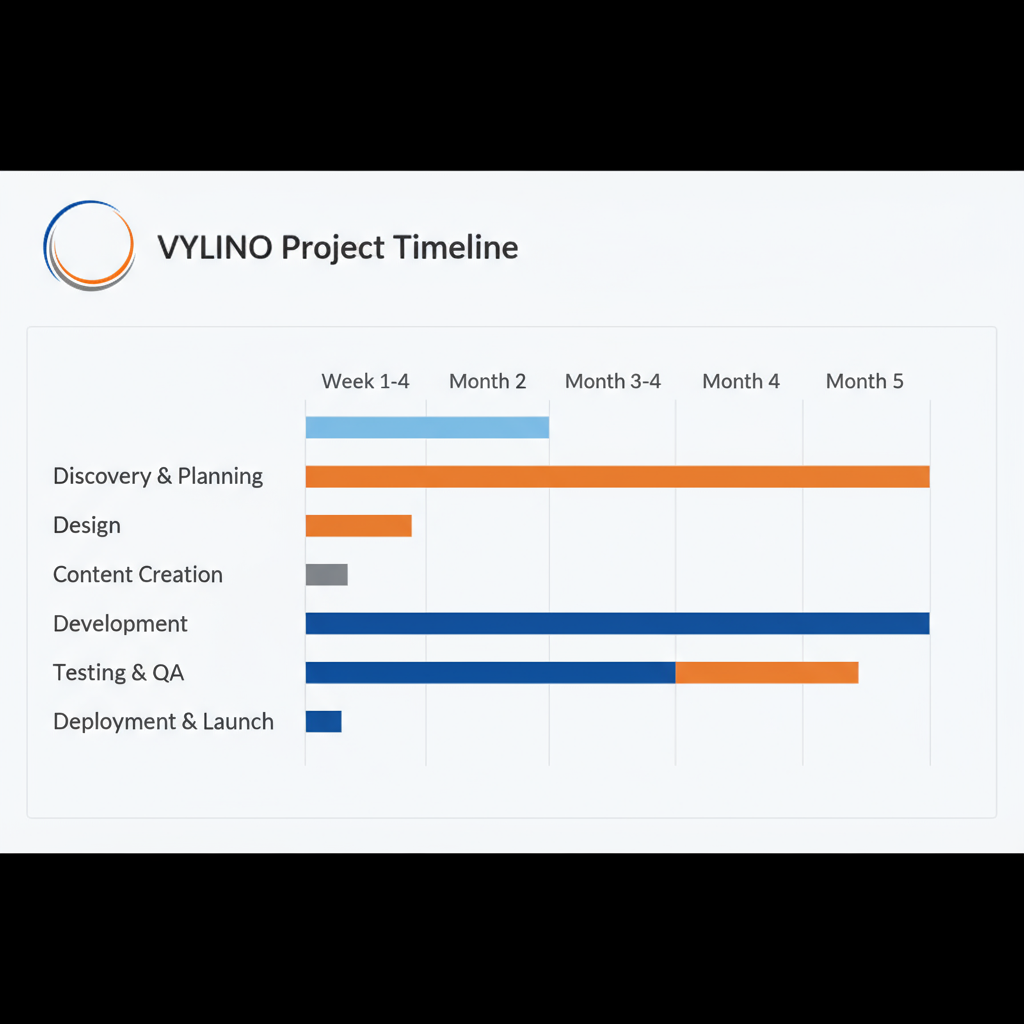
A timeline depends on requirements clarity, page count, custom features, integrations, content readiness, approvals and testing. A simple CMS site and a custom application cannot share a meaningful universal timeline.
For phase-by-phase planning, see Vylino’s website development timeline guide.
How to Compare Website Development Proposals
Do not compare only the final price. Check whether the proposals actually include the same scope.
Compare:
- Platform and architecture.
- Number of templates/pages.
- Custom functionality.
- Integrations.
- Content responsibilities.
- SEO foundations.
- Performance work.
- Testing.
- Ownership.
- Licences and recurring costs.
- Warranty/support period.
- Maintenance terms.
Vylino’s website quote comparison checklist provides a more detailed procurement-style comparison.
Common Website Development Mistakes
- Choosing technology before requirements. Start with what the business needs to accomplish.
- Treating every integration as simple. APIs, authentication and data mapping can materially change scope.
- Ignoring who maintains the site. The best stack is one the organisation can operate responsibly.
- Skipping content planning. Development often stalls because real content arrives late.
- No ownership discussion. Domain, hosting, code, accounts and licences should be clear.
- Assuming launch ends the project. Updates, backups and monitoring continue after launch.
- Using custom code where standard tools solve the problem well. Unnecessary customisation raises long-term maintenance cost.
- Using plugins/templates for genuinely custom workflows. Forcing complex business logic into unsuitable tools creates fragile workarounds.
Frequently Asked Questions
What are the main types of website development services?
The most common buyer-facing categories are business websites, CMS/WordPress development, ecommerce development, custom web applications, landing pages, custom-coded websites, headless CMS development, API/integration work, website rebuilds/migrations and ongoing maintenance.
What is the difference between front-end and back-end development?
Front-end development handles the interface and behaviour users experience in the browser. Back-end development handles server-side logic, databases, authentication, APIs and other application functions behind the interface.
Is WordPress development custom development?
It can be. A WordPress project may be mostly configuration, or it may include custom themes, plugins, blocks, fields, integrations and application logic. “WordPress” describes the platform; “custom” describes how much project-specific engineering is required.
When should I choose custom web application development?
Choose a custom application when the core requirement is a workflow, portal, dashboard, marketplace, account system or business process that standard CMS/ecommerce tools cannot handle cleanly.
Is ecommerce development different from normal website development?
Yes. Ecommerce adds transaction, payment, product, order and often inventory/shipping requirements, so it normally needs additional architecture, security, testing and operational planning.
Should a development company also provide design?
Not necessarily, but the responsibility must be clear. Some providers handle both design and development; others implement supplied designs. The proposal should state who owns UX/UI, responsive behaviour and approvals.
How do I know which development service I need?
Define the primary business outcome first: inform and generate leads, publish content, sell products, run a campaign, support logged-in workflows or integrate business systems. That usually narrows the development category quickly.
Final Takeaway
The best website development approach is not the one with the most technology. It is the simplest architecture that can meet the business requirements reliably, remain maintainable and support realistic future growth.
Start with the outcome, define the required workflows and integrations, then choose the platform and engineering depth. That prevents both under-building a critical system and over-engineering a straightforward website.


 English
 हिन्दी
 Español
 Français
 Deutsch