 Skip to content

Updated October 2026. WordPress remains a strong platform for many business websites because it combines a mature content-management system with flexible themes, blocks, plugins, ecommerce options and a large developer ecosystem. Its biggest advantage is control; its biggest trade-off is that somebody still has to manage hosting, updates, compatibility and security responsibly.
Quick answer: WordPress is usually a strong fit when content, SEO, integrations, ownership and future expansion matter more than having a completely hands-off website platform. It is not automatically the best choice for every small site or every custom application.
This guide explains the practical WordPress web development benefits, the responsibilities that come with them, when WordPress is a good business choice, and when a hosted builder, ecommerce platform or custom application may fit better.
If you already know you want WordPress and need implementation rather than platform comparison, use Vylino’s WordPress Development Services in India.
What Is WordPress Web Development?
WordPress web development is the process of planning, building, extending and maintaining websites on WordPress. It can range from configuring a maintained theme for a small business site to developing custom themes, plugins, blocks, WooCommerce features and API integrations.
Common WordPress development work includes:
- Theme selection or custom theme development.
- Block, pattern and template creation.
- Plugin configuration.
- Custom post types and structured content.
- Forms and lead-generation integrations.
- WooCommerce implementation.
- Custom plugin development.
- CRM, booking, payment or other API integrations.
- Performance optimisation.
- Security hardening and access controls.
- Migration and redesign work.
- Ongoing maintenance and compatibility testing.
For the broader development landscape beyond WordPress, see Vylino’s guide to the types of website development services.
8 Practical Benefits of WordPress Web Development
1. Business Teams Can Manage Content Without Rebuilding the Website
WordPress is fundamentally a publishing and content-management system. Pages, posts, media, users, revisions and structured content can be managed from an administrative interface without redeploying the application for every routine text or image change.
Modern block themes go further: WordPress’s Site Editor can let authorised users manage site-wide styles, templates, template parts, headers and footers using blocks. See the official WordPress Site Editor documentation.
This is especially valuable for businesses that regularly publish:
- Service pages.
- Location pages.
- Blog posts.
- Case studies.
- News.
- Team profiles.
- Events.
- Resources.
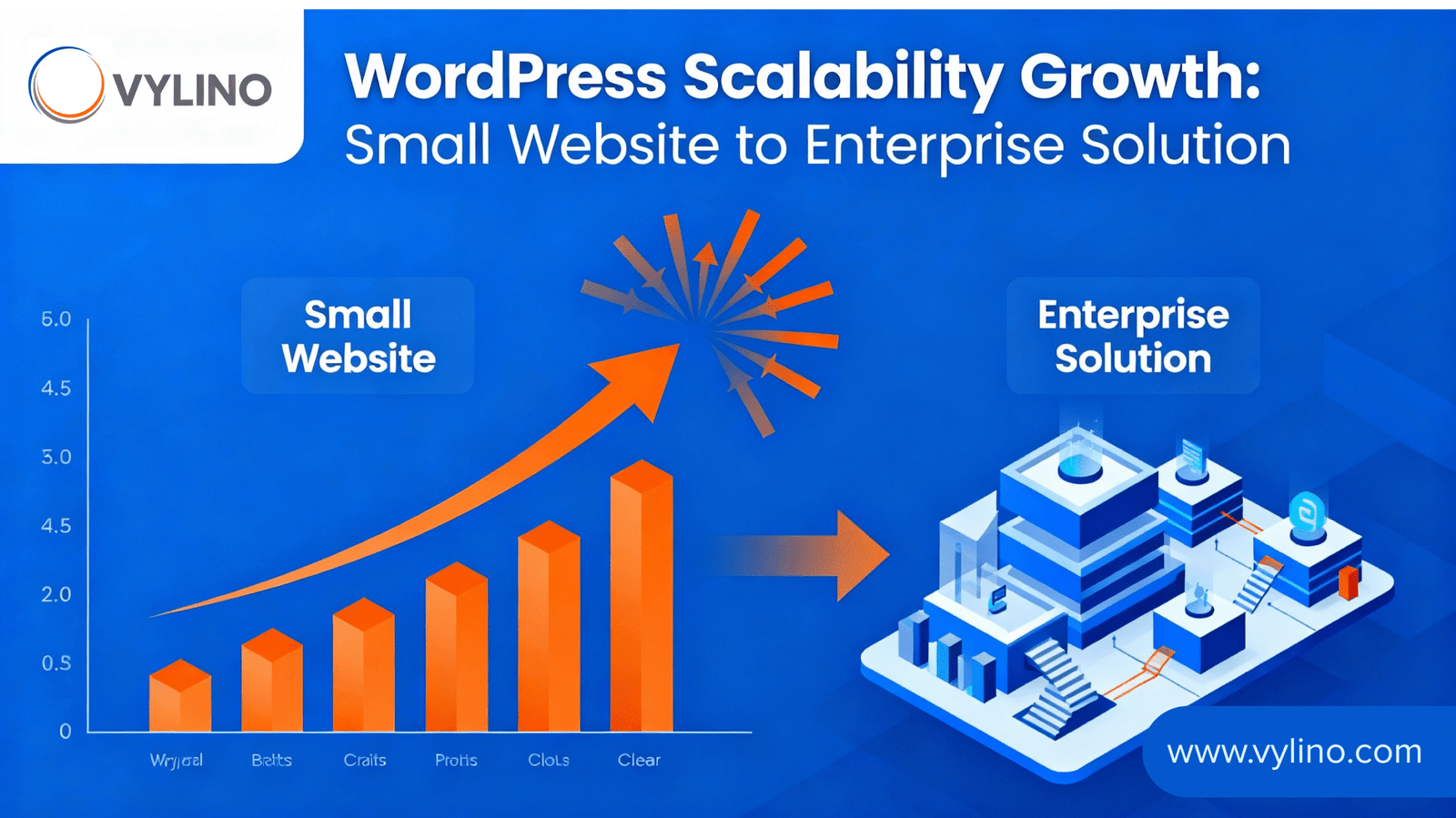
2. WordPress Can Start Simple and Become More Structured
A business can begin with a straightforward marketing site and later add structured content, custom post types, ecommerce, membership features, integrations or custom workflows.
That does not mean every WordPress site can scale indefinitely without architectural work. It means the platform offers multiple extension paths before a full platform migration becomes necessary.
3. The Plugin Ecosystem Solves Many Common Requirements
Forms, SEO controls, caching, backups, ecommerce, multilingual content, redirects, memberships and analytics integrations often have mature WordPress solutions already available.
The advantage is development efficiency: businesses do not need to custom-build commodity functionality.
The trade-off is governance. Each plugin becomes another dependency whose quality, update history, compatibility, licence and support need evaluation.
4. Block-Based Editing Can Give Teams More Design Control
WordPress’s block system is now a core part of site building and publishing. Block themes use blocks for content as well as global site areas such as navigation, headers and footers.
For a business, the useful outcome is not “more blocks.” It is the ability to create reusable design systems—patterns, templates and controlled components—that editors can use without rebuilding layouts from scratch.
5. Self-Hosted WordPress Gives More Infrastructure Choice
With self-hosted WordPress, the business can choose its hosting environment and can generally migrate the site files and database to another compatible provider.
This differs from many closed website builders where the hosted platform, editing system and infrastructure are tightly bundled together.
Infrastructure choice is valuable when a business needs:
- Different hosting performance.
- Specific backup or staging features.
- Regional hosting requirements.
- Server-level control.
- A migration away from the current provider.
6. WordPress Works Well for Content-Led SEO Strategies
WordPress makes it practical to create and maintain service pages, articles, location pages, category structures and other indexable content at scale.
SEO plugins can provide interfaces for titles, descriptions, canonical tags, robots controls, sitemaps and schema-related settings. But the plugin itself does not create rankings. Search performance still depends on useful content, site architecture, links, crawlability, performance and competition.
7. WooCommerce Extends WordPress Into Ecommerce
WooCommerce allows WordPress to support product catalogues, carts, checkout, payments, orders and many other commerce workflows.
It can be a good fit when:
- The business already benefits from WordPress content flexibility.
- The store needs strong control over content and landing pages.
- Required integrations exist or can be developed cleanly.
- The team accepts ongoing WordPress/WooCommerce maintenance.
For commercial implementation, use Vylino’s WooCommerce development services.
8. WordPress Has a Large Skills and Support Ecosystem
Because WordPress has been used for many years across publishing, business sites and ecommerce, businesses can find hosting companies, designers, developers, plugin vendors and documentation across many markets.
That reduces dependence on a single proprietary developer or platform—but only if the site itself is built with maintainable conventions.
The Main WordPress Trade-Offs
| Benefit | Responsibility that comes with it |
|---|---|
| Large plugin ecosystem | Evaluate plugin quality, compatibility, licences and update history |
| Hosting choice | Choose and manage appropriate hosting, backups and caching |
| Flexible themes/builders | Avoid inconsistent design systems and unnecessary complexity |
| Administrator control | Manage roles, passwords and privileged access responsibly |
| Custom code | Maintain it through WordPress, PHP and dependency updates |
| WooCommerce flexibility | Maintain payment, checkout and extension compatibility |
| Open-ended extensibility | Prevent the site from becoming a collection of overlapping tools |
WordPress gives businesses choices that closed platforms may not. Choices create responsibility. The platform works best when someone owns those technical decisions.
WordPress Performance: Platform vs Implementation
“WordPress is slow” and “WordPress is fast” are both oversimplifications.
Real performance depends on:
- Hosting and server configuration.
- Theme architecture.
- Page builder usage.
- Plugin behaviour.
- Database queries.
- Images and video.
- Fonts.
- Third-party scripts.
- Caching/CDN configuration.
- Custom code.
A lightweight WordPress implementation can perform very well. A poorly configured one can load unnecessary CSS, JavaScript, database queries and third-party resources.
The correct question is therefore not “Is WordPress fast?” but “Can this WordPress implementation meet our real-user performance targets without becoming difficult to maintain?”
WordPress Security: The Maintenance Responsibility
WordPress security is not a one-time plugin installation. WordPress’s own security hardening guidance emphasises keeping WordPress, themes and plugins updated and choosing extensions that continue to receive updates.
A sensible maintenance process includes:
- Keeping WordPress core supported and updated.
- Updating themes and plugins.
- Removing unused software.
- Using strong administrator authentication.
- Limiting privileges.
- Maintaining current backups.
- Testing significant updates where appropriate.
- Monitoring for operational or security problems.
WordPress also supports plugin and theme auto-updates, but its auto-update documentation recommends having a current backup so the site can be rolled back if an update causes a problem.
Businesses that do not want to own this operational work internally can use Vylino’s website maintenance and support service.
Do More Plugins Automatically Make WordPress Worse?
No. Plugin count alone is a weak quality metric.
Ten focused, actively maintained plugins may create fewer problems than one poorly built extension that performs expensive queries or loads heavy scripts on every page.
Evaluate plugins using:
- Whether the feature is actually required.
- Active maintenance and support.
- Compatibility with the current WordPress/PHP stack.
- Security track record.
- Frontend and database impact.
- Data portability.
- Licence and recurring cost.
- Overlap with existing plugins.
If several plugins are being forced together to create one unique workflow, that may be a signal to evaluate focused custom development. Vylino’s custom WordPress development decision guide explains when that is justified.
WordPress Web Development vs Website Builders vs Custom Applications
| Factor | Self-hosted WordPress | Hosted website builder | Custom web application |
|---|---|---|---|
| Routine content editing | Strong | Usually very easy | Depends on whether a CMS is built/connected |
| Setup simplicity | Moderate | Usually easiest | Most complex |
| Hosting responsibility | Business/provider | Platform handles it | Business/development team |
| Plugin/app ecosystem | Very broad | Platform-specific | Custom integrations |
| Custom workflows | Good within sensible limits | Often more constrained | Strongest fit |
| Portability | Generally strong for self-hosted sites | Varies by platform | Depends on architecture/ownership |
| Maintenance burden | Ongoing | Lower infrastructure burden | Ongoing engineering |
Current 2026 comparison guides increasingly frame this decision around control and portability versus convenience and maintenance rather than declaring one universal winner.
When WordPress Is a Strong Fit
WordPress deserves serious consideration when several of these are true:
- The website is content-heavy.
- The team will publish regularly.
- SEO content is an important growth channel.
- The business wants editable service/location/resource pages.
- The site needs forms, integrations or structured content.
- The business wants control over hosting.
- The website may expand over time.
- WooCommerce fits the ecommerce model.
- There is a realistic maintenance plan.
When WordPress May Be More Than You Need
A simpler hosted builder may be a better fit when:
- The website is very small and rarely changes.
- The owner wants the platform to handle hosting and infrastructure.
- There are no custom workflows or meaningful integration requirements.
- The main priority is launching quickly with minimal technical management.
This is not a weakness of WordPress. It is a scope decision. A business should not adopt more platform complexity than its website needs.
When a Custom Application May Be Better Than WordPress
WordPress becomes a less natural fit when the product is primarily an application rather than a content-led website.
Examples include:
- Complex multi-role SaaS products.
- Real-time operational systems.
- Highly specialised dashboards.
- Large workflow engines.
- Systems with unusual data models and application logic.
- Products whose primary interface is not publishing/content management.
WordPress can technically be extended very far, but “can” is not the same as “should.” For application-heavy requirements, compare a dedicated web application development approach.
WordPress for Ecommerce: Good Fit or Compromise?
WooCommerce is a natural extension when the business wants WordPress content capabilities and ecommerce in the same system.
It is a strong candidate when:
- The catalogue and checkout requirements fit WooCommerce well.
- Content marketing is important.
- The business needs control over landing pages and SEO content.
- Required payment/shipping integrations are supported.
- The team can maintain the plugin/extension stack.
A fully hosted ecommerce platform may be easier when the business prioritises lower infrastructure responsibility and its workflows fit that platform’s standard model.
For a broader comparison, Vylino also maintains a WooCommerce vs Shopify guide.
WordPress and Modern Block Themes in 2026
WordPress is no longer limited to the older model of PHP templates plus the Customizer. Block themes allow the Site Editor to manage templates, template parts, global styles and site areas using blocks. WordPress documentation updated in 2026 describes block themes as the route to editing all parts of a site through the Site Editor.
This can reduce reliance on some third-party page-building features, but it does not mean classic themes or page builders are obsolete. Architecture should still be chosen based on the project, editing needs, team skills and existing site.
What Should a Professional WordPress Build Include?
For a business website, the development scope should normally clarify:
- Theme architecture.
- Block/page-building approach.
- Required plugins and licences.
- Content types and templates.
- Forms and integrations.
- Responsive behaviour.
- SEO foundations.
- Performance approach.
- Security/access model.
- Backup/recovery.
- Analytics.
- Testing.
- Handover and administrator access.
- Post-launch maintenance responsibility.
For projects that need unusual WordPress-specific functionality, do not automatically add more plugins. First determine whether custom WordPress development would create a cleaner architecture.
WordPress Ownership and Handover Checklist
Before launch, clarify who controls:
- Domain registration.
- Hosting account.
- WordPress administrator account.
- Premium plugin/theme licences.
- Analytics and Search Console.
- Backups.
- Source code/custom plugins.
- DNS/CDN accounts.
- Payment accounts for ecommerce.
A website is easier to maintain or migrate when these assets are not trapped in undocumented third-party accounts.
Frequently Asked Questions
What are the biggest benefits of WordPress web development?
The main benefits are content-management flexibility, a large extension ecosystem, control over self-hosted infrastructure, strong support for content-led SEO, flexible theme/block systems and the option to add WooCommerce or custom functionality.
Is WordPress good for small business websites?
Yes when the business expects to publish content, grow service pages, use SEO, add integrations or maintain long-term control. For a very small brochure site with minimal changes, a hosted builder may be simpler.
Is WordPress secure?
WordPress can be operated securely, but security requires ongoing maintenance. Core, themes and plugins should be kept current, access should be controlled, unused software removed and backups maintained.
Is WordPress slow?
Not inherently. Performance depends on hosting, theme architecture, plugins, images, scripts, caching and custom code. The implementation should be measured rather than judged only by the platform name.
Does WordPress require maintenance?
Yes. Self-hosted WordPress needs core, theme and plugin updates plus backups, monitoring and compatibility management. Managed hosting can automate parts of that work, but responsibility does not disappear completely.
Is WordPress good for SEO?
WordPress provides a strong content-management foundation and SEO plugins can expose useful controls, but rankings are not automatic. Content quality, search intent, site architecture, links, crawlability and performance still matter.
Is WordPress suitable for ecommerce?
WooCommerce makes WordPress suitable for many ecommerce businesses. The decision should consider catalogue complexity, checkout, payments, shipping, integrations, maintenance and whether a hosted ecommerce platform would be operationally simpler.
Should I use WordPress or a website builder?
Choose based on future requirements. A hosted builder usually reduces technical responsibility; self-hosted WordPress generally gives more control and extensibility. Neither is automatically better for every business.
When should I avoid WordPress?
Consider another approach when the website is so simple that WordPress adds unnecessary maintenance, or when the core product is a specialised application whose workflows and data model are more naturally built as custom software.
Final Takeaway
The strongest reason to choose WordPress in 2026 is not that it is popular. It is that WordPress can give businesses a practical balance of editorial control, extensibility, infrastructure choice and a mature ecosystem.
The trade-off is ongoing technical ownership. A well-governed WordPress site can be a durable business platform; an unmanaged collection of themes and plugins can become difficult to maintain.
Choose WordPress when its flexibility solves real future requirements—and choose a simpler or more specialised platform when it does not.


 English
 हिन्दी
 Español
 Français
 Deutsch